Mango OBS Plugin
Stream to Mango from OBS.
One click. Zero config.
Requires OBS Studio 31.x
Features
Built for streamers who live in OBS.
Every feature designed to keep you in your scene, not in your browser.
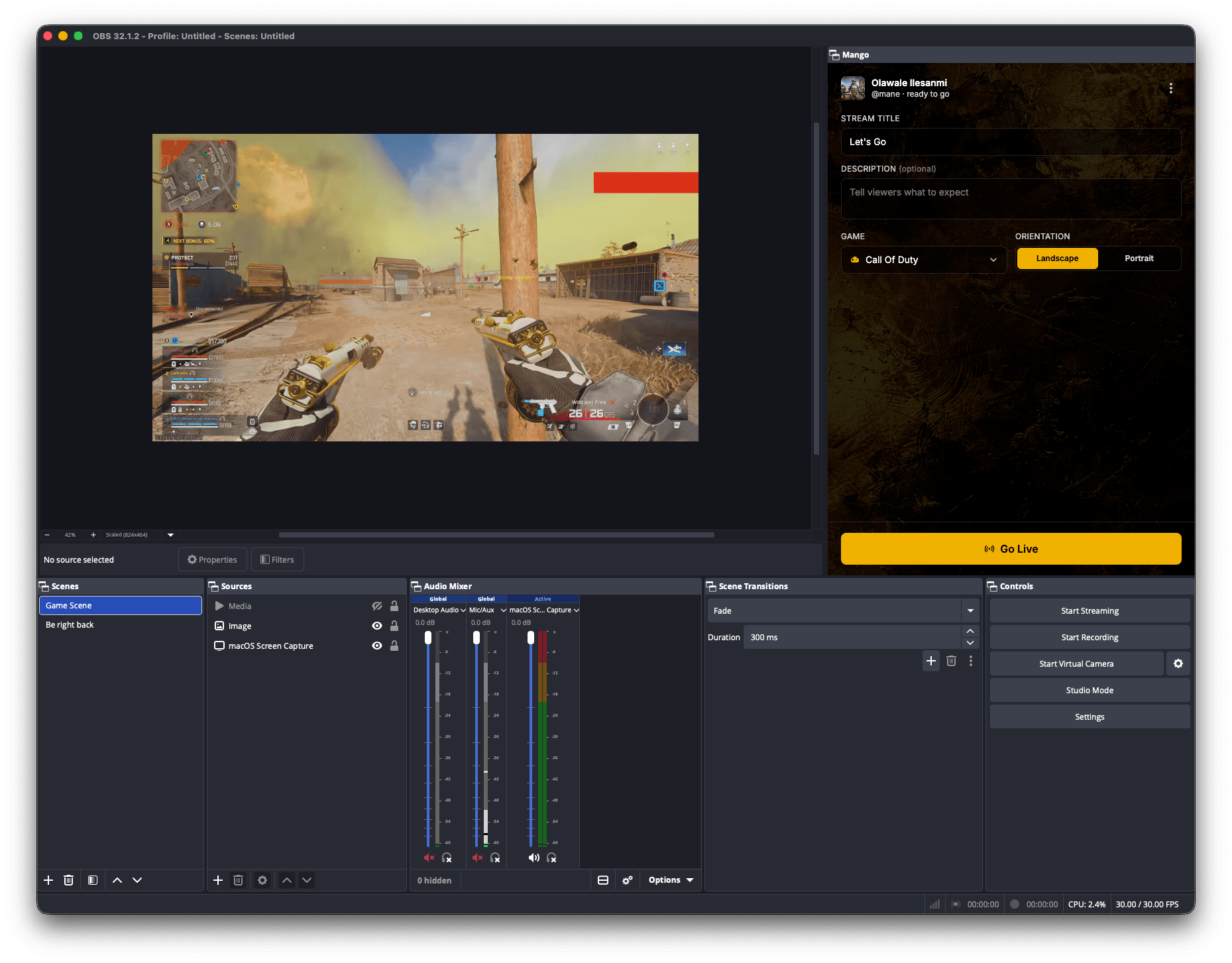
Go live without touching a single setting.
Click Go Live and the plugin injects the right WHIP endpoint, your bearer token, and the correct stream service into OBS automatically. No URLs to copy, no service to configure. It just works.
- WHIP endpoint auto-injected
- Bearer token auto-attached
- Stream service preset automatically
Lives inside OBS. Not in a browser tab.
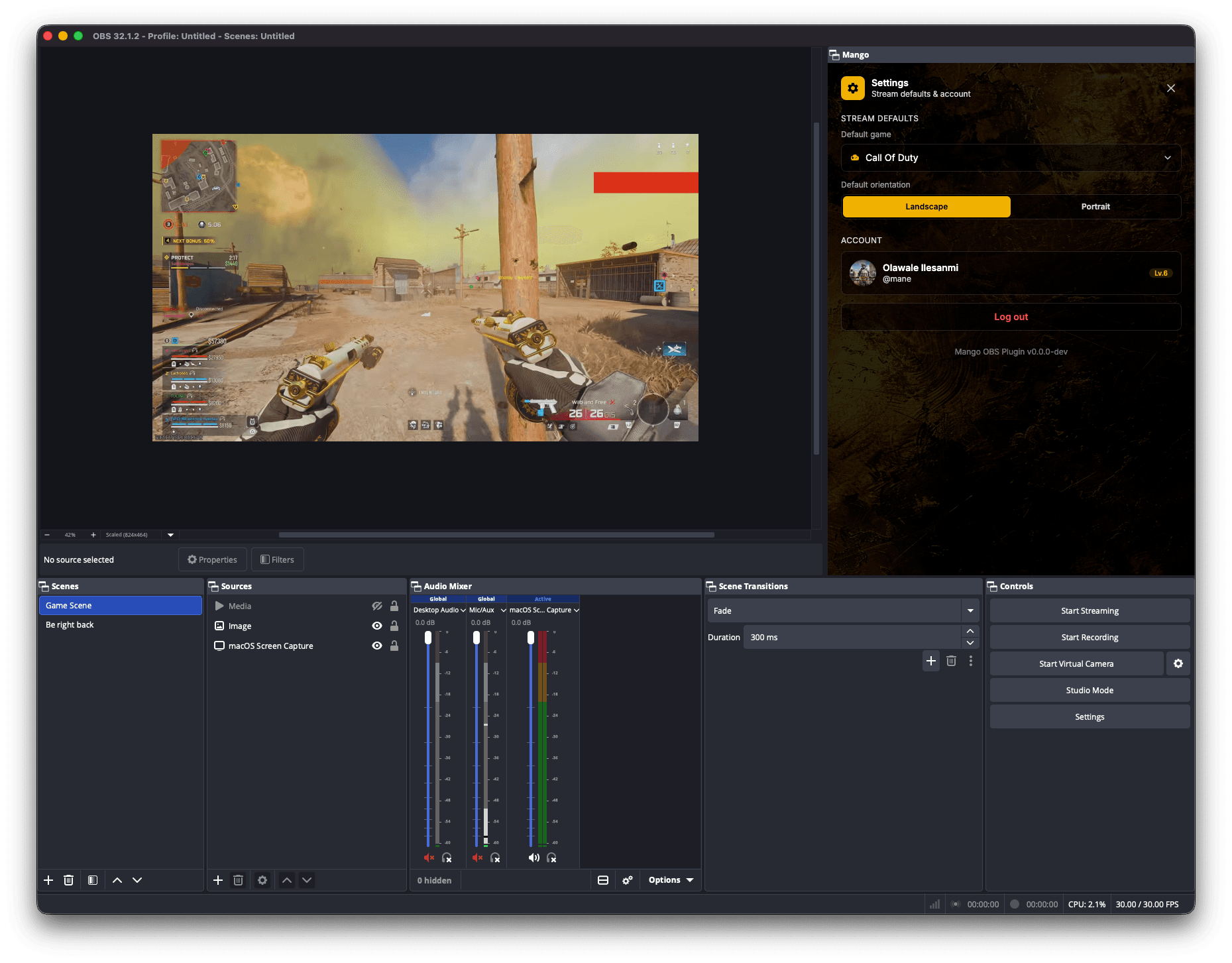
Login, stream setup, live stats, and ending the stream all happen in a single resizable dock panel. Alt-tabbing to a browser or the Mango app is officially over.
- Resizable dock you can park anywhere
- Searchable game selector with last-used memory
- Landscape or portrait orientation per stream
Your credentials live in the OS keychain.
Login tokens are stored using macOS Keychain, Windows Credential Manager, or Linux libsecret, never as plaintext. Stream tokens are kept in memory only and discarded the moment the broadcast ends.
- OS-native secure storage
- Securely persists authentication
- Ephemeral WHIP tokens by design
WHIP stream tokens stay in memory only and are discarded when the stream ends.
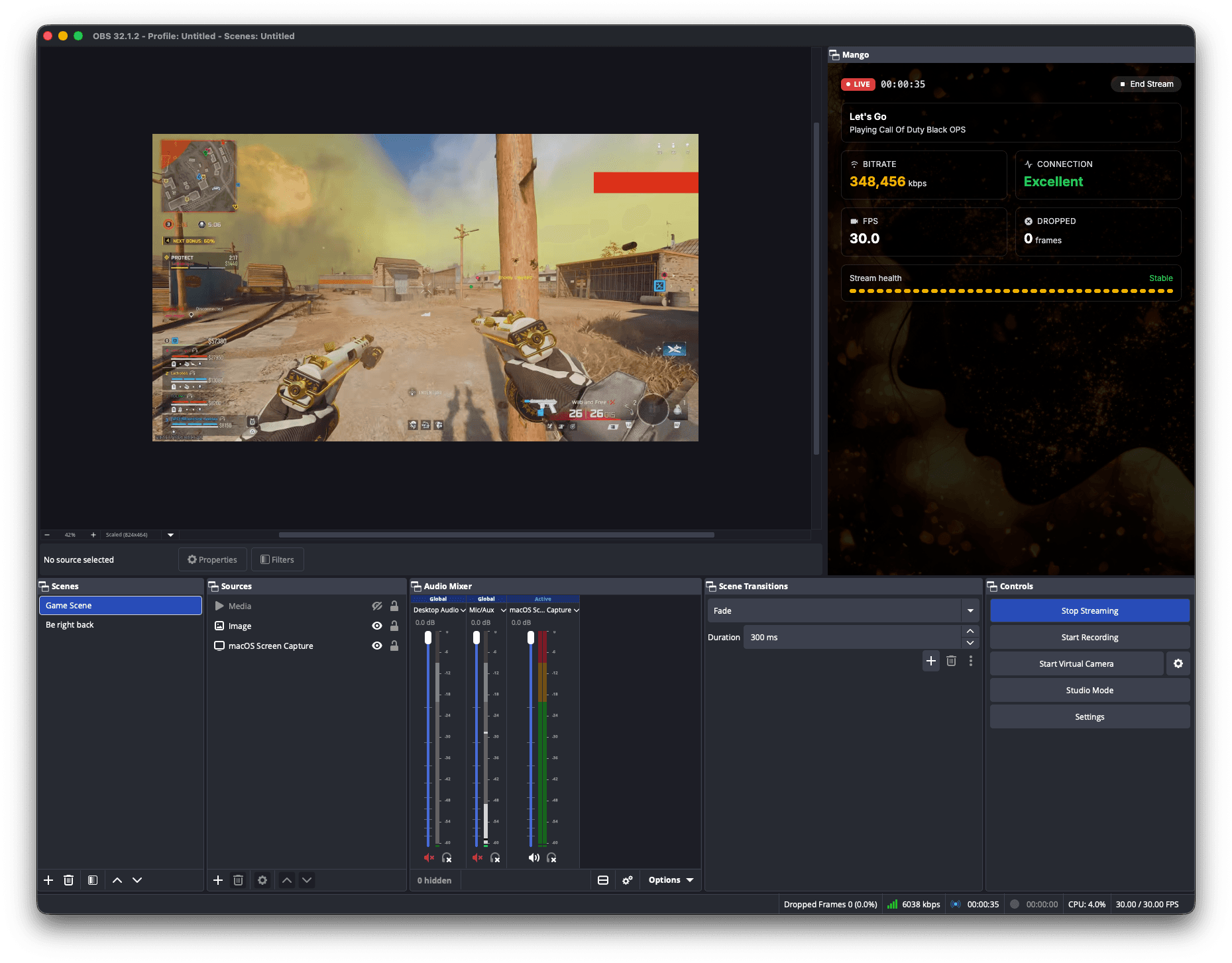
See every frame the moment it ships.
Bitrate, FPS, dropped frames, connection quality, and elapsed time update live right inside the dock. A glance is enough to know if the stream is healthy.
- Bitrate and FPS at-a-glance
- Connection quality indicator (Excellent → Poor)
- Live elapsed timer that survives reconnects
OBS crashed? Pick up where you left off.
If OBS restarts mid-broadcast, the plugin detects your live room on the next launch and offers a one-tap resume, with the timer continuing. And when the stream ends, your original OBS streaming service is restored so your personal setup is never permanently changed.
- Auto-detect orphaned live rooms
- Timer continues from where it stopped
- Restores Twitch/YouTube service on end
We found your room @gracie · Apex still broadcasting on Mango. Resume from where you left off?
Live in six steps.
- 01
Install
Download the installer (.exe for Windows, .pkg for Mac) and run it. The plugin is set up automatically.
- 02
Log in
Sign into your Mango account from the dock panel.
- 03
Set up your stream
Enter a title, pick a game, choose orientation.
- 04
Go Live
One click. The plugin configures your stream service automatically.
- 05
Monitor
Bitrate, connection quality, and elapsed time in real time.
- 06
End Stream
Click End. Your original OBS streaming config is restored.
Built for modern hardware.
Minimum
macOS 12 Monterey or later
Apple M1 or comparable quad-core
8 GB RAM
200 MB free disk space
OBS Studio 31.x
Recommended
SuggestedThe latest macOS
Apple M2 Pro or comparable 6-core
16 GB RAM
500 MB free disk space
Wired upload ≥ 8 Mbps for 1080p60
Linux builds are coming next. Track progress on GitHub.
FAQ
Common questions.
It's a native OBS Studio extension that lets you go live on Mango Entertainment directly from OBS. The plugin installs as a dock panel, handles authentication, configures your stream, and shows live stats, without you ever leaving OBS.
The web app uses our embedded broadcaster (your browser does the encoding). The OBS plugin lets you use OBS's full production stack (scenes, sources, transitions, filters, audio mixers) while still routing the final stream to your Mango room with one click.
No. The plugin saves your current OBS streaming service before going live and restores it as soon as the stream ends. Your Twitch, YouTube, or custom service settings are never permanently changed.
On macOS, double-click the downloaded .pkg installer and restart OBS. Mango appears under View → Docks. On Windows, run the .exe installer and restart OBS. Both platforms require OBS Studio 31.x.
Your Mango login token is stored in the OS-native secure store: macOS Keychain, Windows Credential Manager, or Linux libsecret. WHIP stream tokens are held in memory only and discarded when the stream ends.
The plugin detects your active Mango room when OBS restarts and offers to resume the stream, with the elapsed timer continuing from where it left off, so your viewers never see a clean break.
Get the plugin
Your stage is waiting.
Install the Mango OBS Plugin and go live in under a minute.
Requires OBS Studio 31.x